On this page
- My Current Tool Selection
- The Problem: Agents Consume More Than You Think
- The Core: OpenCode and Claude Code
- Context and Output Management
- Headroom: Controlling Context Growth
- RTK: Reducing Command Output
- Caveman: Keeping the Agent Itself Concise
- Ponytail: Preventing Overengineering
- Code Discovery and Understanding
- ripgrep: Text Search
- fd: Finding Files
- ast-grep: Searching Code Structure
- Serena: Semantic Code Navigation
- Structured Data and GitHub
- jq and yq
- gh: GitHub from the Terminal
- Not Every Developer Tool Should Be an Agent Tool
- AGENTS.md: Making the Tools Work Together
- Session Management: Beyond Individual Tools
- Compacting
- Fresh Sessions for Fresh Tasks
- Task Decomposition
- Prompt Specificity
- One Tool I Am Watching: Context Mode
- The Most Important Rule: Know When to Stop
- Conclusion
- Related
My Local AI Coding Toolkit: How I Keep Agents Fast and Token-Efficient
 Ammar Najjar
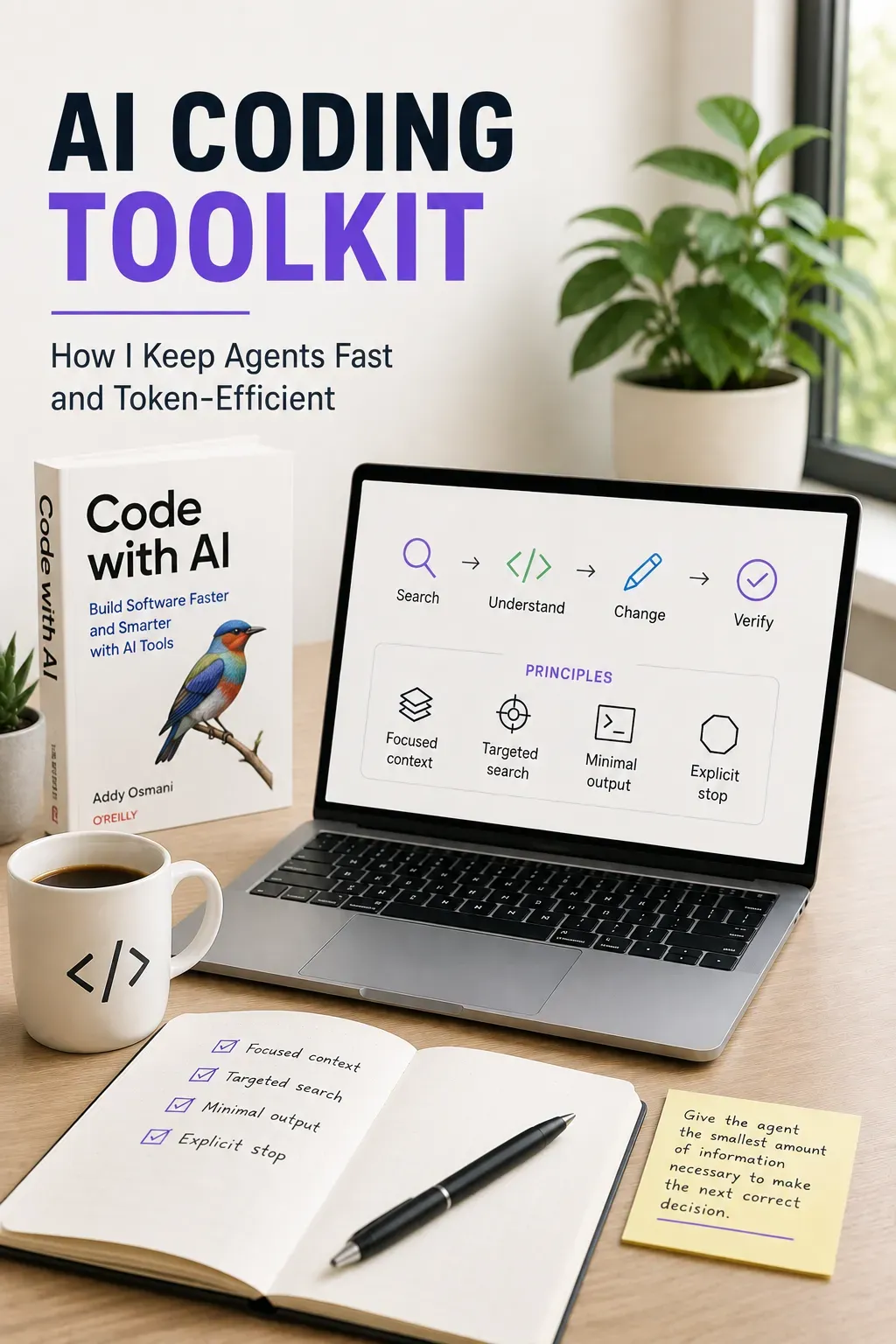 AI-generated image
AI coding agents have become part of my daily workflow. I use OpenCode and Claude Code for everything from exploring unfamiliar codebases and investigating bugs to implementing changes, reviewing code, and working through architectural questions.
But as I started using these tools more heavily, I noticed a different kind of optimization problem.
The quality of the model matters, but so does everything around it.
An agent can waste a lot of tokens without me noticing. It reads complete files when only a section matters. It runs commands that produce hundreds of lines of output. It searches the same codebase multiple times, or carries stale information through a long session. Each of these seems small, but across dozens of operations in a coding session, they add up quickly.
So I started optimizing the environment around the agent.
This post describes the local toolkit I currently use, why each tool is there, and how I try to make the tools work together without wasting context.
My Current Tool Selection
Here is how the pieces fit together today:
| Need | Tool | Purpose |
|---|---|---|
| Context management | Headroom | Reduce unnecessary context carried through a session |
| Command output | RTK | Reduce shell output passed back to the agent |
| Concise interactions | Caveman | Reduce unnecessary agent output |
| Minimal implementation | Ponytail | Prevent agent overbuilding and minimal code |
| Find files | fd | Targeted path discovery |
| Search text | rg | Fast textual search |
| Search code structure | ast-grep | Syntax-aware structural search |
| Understand code semantics | Serena | Symbols, definitions, references, and relationships |
| Process JSON | jq | Extract only required JSON data |
| Process YAML | yq | Extract only required YAML data |
| GitHub | gh | PRs, issues, Actions, and repository operations |
| File viewing | bat | Human-friendly source inspection |
| Git diffs | delta | Human-friendly diff presentation |
| Interactive search | fzf | Human-driven fuzzy selection |
The point is not to have many tools.
Giving each tool a clear responsibility is what matters. The rest of this post explains why each tool is there and what problem it solves.
The Problem: Agents Consume More Than You Think
A coding agent does much more than generate code.
Give it a task like:
Find where this value is calculated, understand the implementation,
change the behavior, and verify the result.
The agent may need to find relevant files, search for symbols, inspect code, modify the implementation, run a build, examine the output, and review the final diff.
Every operation can add information to the model’s context.
Consider something as simple as:
git diffOn a large change, that can produce thousands of tokens. Or:
cat some-large-file.tswhen the agent only needs a small section of that file.
The individual inefficiencies seem insignificant. Across dozens of operations in a long coding session, they add up quickly.
My goal became simple:
Give the agent the smallest amount of information necessary to make the next correct decision.
That principle shaped the toolkit I use today.
The Core: OpenCode and Claude Code
My primary coding agents are OpenCode and Claude Code.
I previously wrote about experimenting with OpenCode while running local AI on my MacBook Pro. One lesson from that experiment was that agent capability matters as much as raw model capability. A model that can reliably navigate a repository, use tools, edit code, and execute a workflow can be much more useful than one that simply performs well on coding benchmarks.
The same principle applies to everything surrounding the agent.
Each tool in the table above has a clear responsibility. For code discovery, for example, I think about the type of information I need:
Text             → rg
Code structure   → ast-grep
Code semantics   → Serena
I do not want the agent to try all three. I want it to select the appropriate one directly.
Context and Output Management
The first group addresses the main reason I started optimizing this setup: token and context waste.
Headroom: Controlling Context Growth
Coding agents continuously accumulate context from commands, files, tool calls, and previous interactions.
Eventually, a significant portion of the context window can contain information that was useful earlier but is no longer relevant to the current decision.
Headroom helps reduce the amount of accumulated context that needs to remain available to the model while preserving information relevant to the ongoing task. In practice, this helps me keep longer sessions useful without carrying all earlier context at full size.
I think of it as context management rather than another coding tool.
That distinction matters. Headroom does not replace repository search or code intelligence. It reduces the cost of carrying all that information through a session.
RTK: Reducing Command Output
RTK, or Rust Token Killer, addresses another source of token usage: shell output.
Instead of:
git statusI normally want the agent to execute:
rtk git statusThe same principle applies to builds, logs, GitHub commands, Docker, Kubernetes, and many other CLI operations:
rtk git diff
rtk gh pr view 123
rtk bun run build
rtk docker logs my-container
One distinction became important while configuring this setup: RTK should not decide which tool I use.
The agent first selects the best tool. RTK then wraps that tool when appropriate.
For example:
rtk rg "PaymentService" src/I still get ripgrep’s search capabilities while RTK can reduce the output passed back to the agent.
The model is simple:
Choose the right tool
        ↓
Run it through RTK
        ↓
Return only useful outputCaveman: Keeping the Agent Itself Concise
Not all token usage comes from tools.
The agent itself can generate unnecessary output.
Long explanations are useful when I am learning something or discussing architecture. They are less useful when I ask an agent to rename a property, locate a symbol, or fix a small bug.
Caveman helps keep these interactions concise.
Together, these three tools address different sources of the same problem:
Headroom → context
RTK      → command output
Caveman  → agent output
That trio is the foundation of the setup. Ponytail addresses a related but distinct source of waste.
Ponytail: Preventing Overengineering
Not all avoidable token use comes from tools or output volume. The agent can also produce more code than the task needs.
Long explanations and verbose output are one issue. Unnecessarily complex implementations are another.
Ponytail helps the agent stop at the most minimal working solution. It encourages reaching for what already exists, the standard library, or a native platform feature before writing new code, and it avoids installing dependencies or adding abstraction layers that nothing requires.
It does not cut validation, error handling, security, or accessibility. It reduces the code that does not need to exist, which means fewer tokens to generate, review, and carry through a session.
Code Discovery and Understanding
The next problem is deciding how the agent should navigate a repository.
Reading files is often more expensive than finding the exact information first.
ripgrep: Text Search
For ordinary text search, rg is one of the most useful tools in my environment.
If I know a string, configuration value, error message, or identifier, the agent can search for it directly:
rtk rg "getPrefix" src/It can also constrain the search:
rtk rg "getPrefix" src/ --type tsThis is much better than opening directories and reading files until the relevant code appears.
fd: Finding Files
fd fills the same role for paths that rg fills for content.
If I know roughly what file I am looking for, the agent can start with:
rtk fd cloudflareor:
rtk fd '\.astro$' src/The goal is simple: locate first, read second.
ast-grep: Searching Code Structure
Sometimes the thing I am looking for is not really text. It is a code construct.
A regular expression may work, but it can quickly become fragile because source code has syntax and structure.
That is where ast-grep fits.
I use it when the question is structural: particular function calls, syntax patterns, declarations, or other constructs where matching the AST is more appropriate than matching text.
It fills the gap between plain text search and full semantic code navigation.
Serena: Semantic Code Navigation
Serena handles the cases where the question is about the code model rather than its textual representation.
For example:
Where is this symbol defined?

Which code references this class?

What implementations exist for this interface?

How are these symbols related?
Without semantic navigation, an agent may search for a symbol, open several files, inspect imports, search again, and reconstruct those relationships manually.
Serena can provide that information much more directly.
This is where I have found the distinction between text, structure, and semantics particularly useful. Making one tool responsible for all code exploration is not the goal. Avoiding unnecessary exploration by selecting the tool that matches the question is.
Structured Data and GitHub
Some of the smallest tools in the setup can prevent surprisingly large amounts of unnecessary context.
jq and yq
Agents frequently interact with JSON and YAML.
Package configuration, API responses, Kubernetes manifests, GitHub Actions workflows, and many other development files use these formats.
If I only need one property from a JSON document, loading the entire document into context makes little sense.
Instead:
rtk jq '.scripts' package.jsonFor YAML:
rtk yq '.jobs' .github/workflows/build.ymlThe principle is simple:
Extract information instead of reading documents.
This becomes even more useful with large API responses.
gh: GitHub from the Terminal
The GitHub CLI lets the agent inspect pull requests, issues, workflow runs, and repository information without introducing another workflow:
rtk gh pr list
rtk gh pr view 123
rtk gh run list
Here too, targeted queries matter.
Fetching an entire pull request discussion when I only need its status wastes context. The same applies to workflow logs, issue histories, and API responses.
gh combined with jq can make these queries very precise.
Not Every Developer Tool Should Be an Agent Tool
bat, delta, and fzf made me realize something important while building this setup:
An efficient agent toolbox is not necessarily the same as an efficient developer toolbox.
Agents generally benefit from deterministic commands, structured results, and bounded output.
Humans often benefit from rich presentation, interactive navigation, syntax highlighting, and fuzzy selection.
That is why I also use:
batfor comfortable file inspection with syntax highlighting and line numbers.deltafor readable Git diffs.fzffor interactive filtering of files, branches, history, and search results.
These are excellent terminal tools, but I do not force an autonomous agent to use them just because they are installed.
For example, fzf is extremely useful when I am sitting at the terminal deciding which file or branch I want. An autonomous agent usually benefits more from a deterministic query using fd, rg, jq, or another appropriate tool.
This boundary is easy to overlook when configuring coding agents.
Giving an agent access to more tools does not automatically make it more efficient.
AGENTS.md: Making the Tools Work Together
Installing all these tools is the easy part.
The more interesting problem is teaching the agent how to use them together. This takes some effort upfront: writing AGENTS.md, testing which tools the agent uses well, adjusting rules based on what actually saves tokens in practice. Once the configuration is in place, those rules become the default for future sessions instead of something I have to repeat in every prompt.
I maintain an AGENTS.md that describes the environment, project conventions, tool-selection rules, verification requirements, and token-efficiency principles.
This is the general version. For a specific project, the same idea applies at a deeper level. In my Angular projects, for example, I wrote about how giving AI agents architecture boundaries and conventions changed the quality of their output. The toolkit in this post handles the environment. Project-specific context handles the domain.
What matters is not simply telling the agent:
You have rg.
You have ast-grep.
You have Serena.
It is defining responsibilities and constraints.
The agent should determine what information it needs, select the appropriate tool, keep the returned output bounded, and stop once it has enough evidence to proceed.
This prevents a common failure mode: repeatedly searching the same problem using different tools simply because those tools are available.
Session Management: Beyond Individual Tools
Tools like Headroom, RTK, Caveman, and Ponytail reduce token waste during a session. But some of the biggest savings come from session management itself.
Compacting
Both OpenCode and Claude Code support session compaction. When a conversation grows long, I can compact it to summarize the history and free up context space.
Session compaction complements Headroom by periodically reducing the accumulated conversation history. I use it when a task is still ongoing but the session has grown substantially. Old tool results, file contents, and intermediate reasoning get summarized into a shorter representation that preserves the important decisions and context.
This is particularly useful mid-session when I realize the conversation is growing but the task is not yet complete. Instead of starting over, I compact and continue.
Fresh Sessions for Fresh Tasks
When I switch to a completely different task, I start a new session rather than continuing the previous one.
A long session accumulates context from earlier work. That context may be irrelevant to the new task, but the agent still carries it. Starting fresh means the context contains only what is needed for the current work.
I think of it like clearing a whiteboard. The old drawings were useful at the time, but they create noise when the next problem has nothing to do with them.
Task Decomposition
Rather than asking an agent to do everything in one pass, I break large tasks into focused phases. But I do not automatically start a new session for every step. Related phases can benefit from keeping their existing context. I start fresh when the next task no longer benefits from the accumulated context.
The distinction is simple:
Related work with useful shared context
→ continue the session

New or substantially different task
→ start a fresh session
For example, exploring a module and then fixing a bug within it are tightly related. The exploration context is directly useful for the fix. But switching to an unrelated feature or investigating a different module is a separate task that benefits from a clean session.
Prompt Specificity
The way I phrase a request affects how much the agent needs to search and iterate.
A vague prompt like:
Fix the login issueforces the agent to explore broadly, read multiple files, and make assumptions.
A specific prompt like:
Investigate the OAuth token refresh failure in src/auth/.
Identify the cause, make the smallest necessary change,
and verify the build.
gives the agent a clear starting point and a bounded objective. Less exploration, fewer tool calls, smaller context usage.
This is one of the simplest optimizations and it is easy to forget.
One Tool I Am Watching: Context Mode
One tool that caught my attention recently is Context Mode. It is designed to keep large tool results outside the model context and retrieve relevant information when needed, rather than letting everything accumulate in the conversation. The idea of searchable, persistent session context is particularly interesting for longer coding sessions where context management matters most.
These goals align closely with my approach, but they also overlap with Headroom, RTK, and my AGENTS.md rules. Adding another context-management layer does not automatically improve token efficiency. It can also introduce redundant behavior, additional tool definitions, or conflicting instructions.
Current:
Headroom + RTK + Serena + Caveman

Alternative:
Context Mode + RTK + Serena + Caveman
The meaningful question is whether Context Mode can replace or outperform part of my existing setup during long sessions, not whether I can add one more tool. I have not benchmarked it yet. This assessment is based on reading the project and understanding its approach, not on direct comparison.
Context Mode is interesting enough that I want to test it, but I see it more as a potential alternative to part of my current setup than another layer to add on top of it.
The Most Important Rule: Know When to Stop
After experimenting with this setup, I realized that tool selection is only half of the problem.
Agents also need to know when not to use another tool.
My AGENTS.md therefore contains explicit stopping rules:
Stop searching once enough evidence exists.

Do not inspect additional files merely for completeness.

Do not repeat a successful search using another tool.

Do not continue repository exploration after finding the relevant implementation.

After successful verification, stop unless additional verification is justified.
This may be one of the most effective token optimizations in the entire setup.
An agent with ten excellent tools can still waste enormous amounts of context if it unnecessarily uses all ten.
Conclusion
My first instinct was to keep adding tools. A better approach turned out to be defining boundaries.
Some tools may appear to overlap, but they operate at different levels. Others are valuable for me at the terminal but add little to an autonomous agent. What matters is not maximizing capabilities. It is controlling information flow.
My current approach can be summarized in five rules:
- Choose the tool based on the type of information needed.
- Search or resolve before reading.
- Return the smallest useful amount of information.
- Compress noisy command output.
- Stop exploring when there is enough evidence to act.
The individual tools will probably change over time. The principle behind the setup is more durable:
A good AI coding environment is not only about giving an agent more capabilities. It is also about controlling how much information it needs to use them.
That shift, from adding more tools to managing information more deliberately, has made my local AI coding workflow considerably more efficient.
If you are running AI coding agents locally, I would love to hear what techniques work for you. Every setup is different, and some of the best optimizations I have found came from seeing how others solve the same problem.
Related
- Local AI on a MacBook Pro with 16 GB RAM: What Actually Works
- Essential Development Tools: My Brewfile Setup